

Spanish & Russian are live in KlientHQ
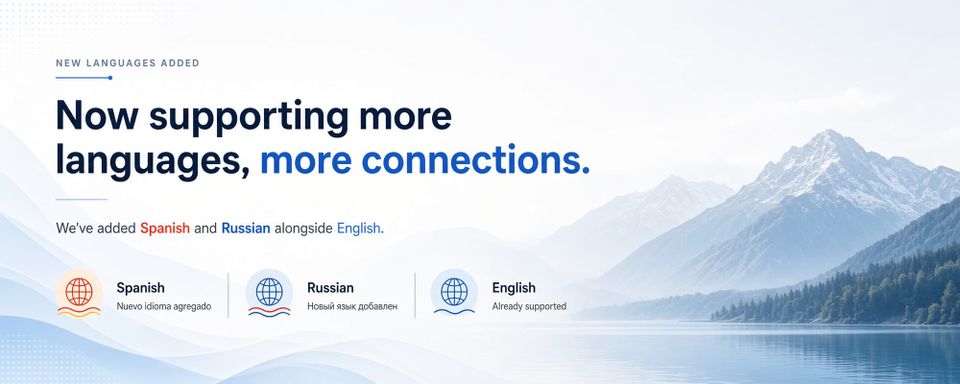
KlientHQ now speaks Spanish and Russian. Same jobs, same customers, same payments, just in the language of your business. English is still there. Mixed teams can run different languages on different seats.
Plenty of bilingual owners and crews get by in English. But getting by isn't running a business. When every label, every status, every confirmation sits one mental hop away from how you think, the delays add up. A schedule change that should be instant takes a second read. An invoice sits unsent because the wording doesn't match how people talk on the job.
That friction turns invisible and you keep a notebook in your first language. You translate menus in your head between stops. Language becomes another tool you carry, one you didn't choose, and pay for every day. After years of leading a multilingual teams, we built KlientHQ to remove that tax, not add to it.
Our Approach
Service businesses already operate across languages in a single day: a homeowner texts in English in the morning, the crew huddles in Spanish or Russian in the afternoon. That's not an edge case. That's Tuesday. The product shouldn't force a third language into the middle of it. Thats why we localized the interface at the user level: menus, labels, statuses, confirmations, everything around quoting, scheduling, and getting paid. Pick Spanish, Russian, or English, and the screens follow. For an owner, that means opening today's schedule, sending a quote, moving a job, or checking what's unpaid, all without translating the product in your head first.
Language is per-user, not per-business. The owner can keep English while a technician runs Spanish, same jobs, same company, no context switching for anyone. A crew works in Russian and a colleague in English are looking at the same work, just in the language each one thinks in. The technician opens the app and the buttons say "Listo" instead of "Done."
User Experience
Notes, service names, and job descriptions translate with the interface. Only proper names stay fixed. A customer name entered in English stays in English no matter whose screen it's on. That's correct behavior, not a gap. and we don't auto-translate your catalog or your messages to customers. Crews and office staff who are more comfortable in Spanish or Russian experience KlientHQ in the language they actually use because we think software should stop being an English-only link in the chain.
Help Needed
If something in the UI reads awkwardly, tell us. Localization is ongoing work, and we'd rather fix a real note from a real operator than sit on English defaults out of caution. Sign in to KlientHQ, or get started if you're new. Open your language settings. Choose Spanish or Russian. Then run something real: pull up today's schedule, edit a job, send a quote, check an invoice. If you'd rather see it first, see a demo. We'll walk through the language switch inside the same flow as quoting, scheduling, and payments.